
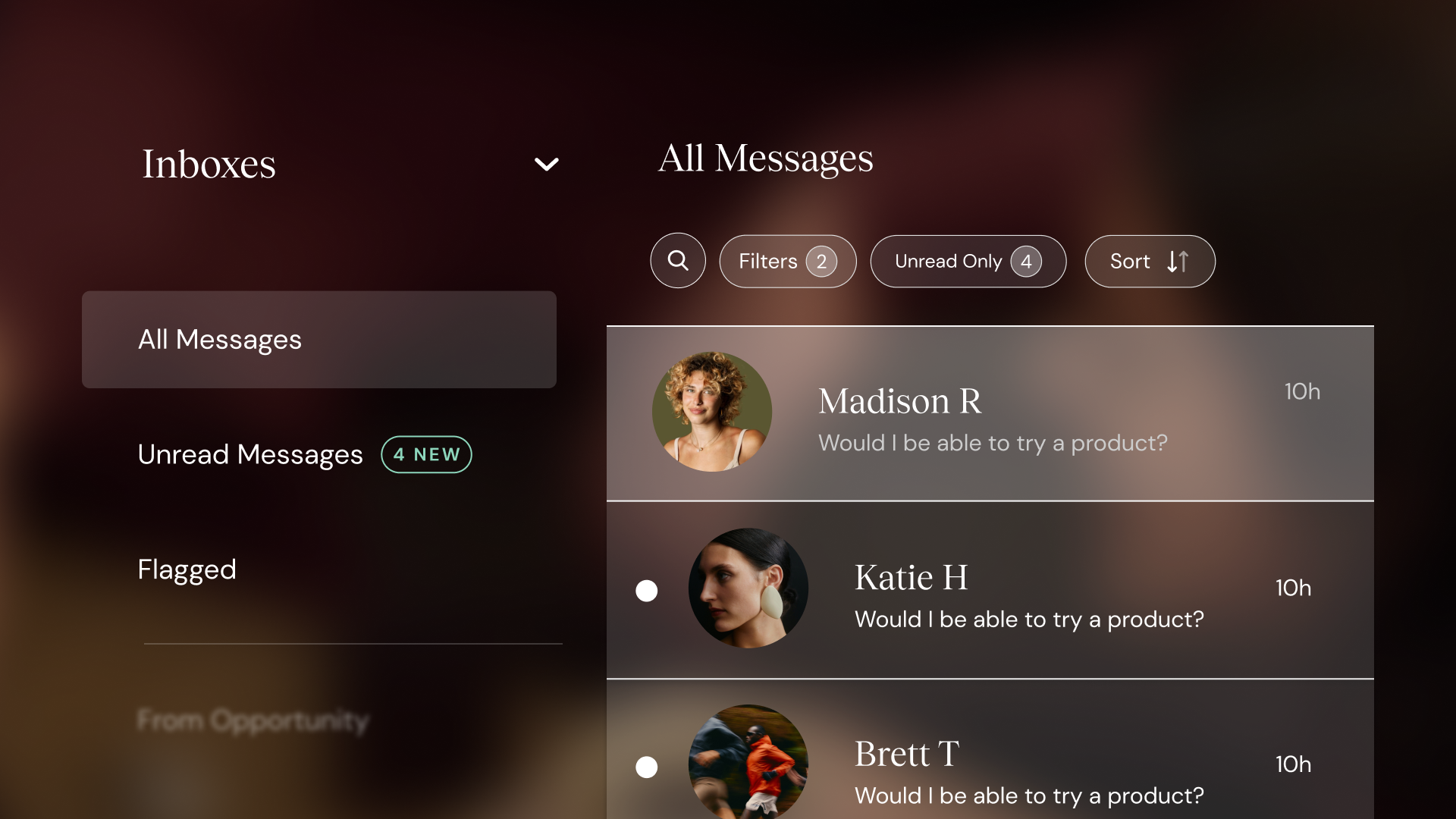
We’re excited to roll out a brand new look and powerful updates to the Chat experience on ShopMy that make it easier than ever for brands to manage conversations and stay organized.
Introducing Inboxes
Whether you’re gifting, managing an Opportunity, or just want to keep a pulse on your top promoters, your most important conversations should be easy to find. That’s why we’re introducing Inboxes, a new way to view and organize chats based on what matters most to your brand. In addition to your default inboxes, brands can set custom filters to determine the type of messages you see in each inbox you create.
Create Inboxes Around the Way You Work
Every brand has different priorities and workflows. That’s why we’ve made inboxes flexible and powerful. Here are just a few ways you could use custom inboxes:
- Stay on top of high-impact creators: Create an inbox for Trendsetter+ creators who have promoted your brand.
- Track messages tied to a specific Opportunity: Keep the conversation flowing with creators you’re actively working with and answer questions quickly.
- Organize chats by Lookbook outreach: Just sent a round of gifting? Filter by Lookbook to field questions and track engagement in one place.
- Segment by discount codes: Easily keep track of and follow up with creators who’ve been given custom codes.
Flagged Inbox
Sometimes a message needs a follow up, or just can’t afford to get lost in the shuffle. That’s why we’ve added a Flagged Inbox, giving brands a dedicated space to quickly reference the messages that matter most.
Now, you can:
- Flag any important conversation or message as you browse your chats
- Access all flagged messages in one centralized inbox, right alongside your custom and pre-set inboxes
- Easily collaborate with team members, and surface messages for input as needed
Enhanced Filtering & Search
Alongside the ability to build custom inboxes, we’ve expanded how brands can filter and search within their existing inboxes.
Brands can now refine inbox views not only by location, gifting status, lists, or Opportunity, but also by:
- Creator tier
- Code status
- Promoter status
We’ve also improved search: in addition to searching by creator name, brands can now search messages by keyword, making it easier to quickly surface the conversations that matter most. In addition to the above, teams will also notice a faster load and processing time on the Chat page.
These updates are designed to save time, reduce friction, and help brands build stronger relationships with the right creators.
Ready to explore the new Chat?
👉 Go to your Chat page now to see what's new.